

Family films
Ten years of video, opened on a MacBook Air. The films stay in the cloud. The laptop only plays the one you asked for.
Family
Locations
Family
- Christmas 2016.mov
- School play
- Holiday
Same drive, different folders
The drive on the Mac does not care what you call the folders. Photos, a campaign, or an agent’s notes. One click either way.
Open a folder. The drive does not care what you call it.
Open a folder on each desk. 0 of 3 so far.
How it sits on a Mac
Step 01. Give it a name, then a size.
On the drive
A photograph of the desk, and the drive as the Mac actually shows it.
Ten years of video, opened on a MacBook Air. The films stay in the cloud. The laptop only plays the one you asked for.
Locations
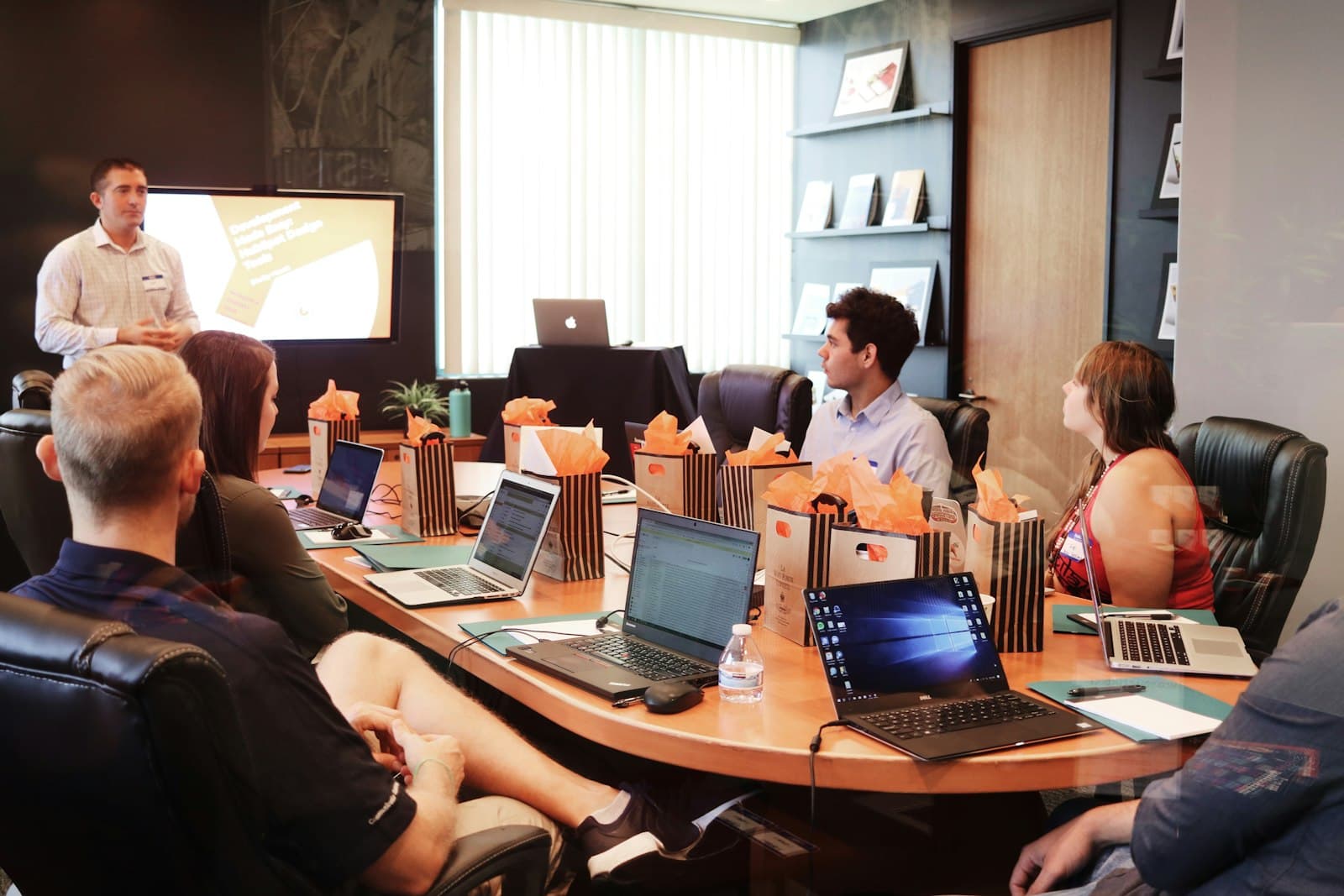
The freelancer and the editor open the same drive. One place for the film, the stills, and the deck.
Locations
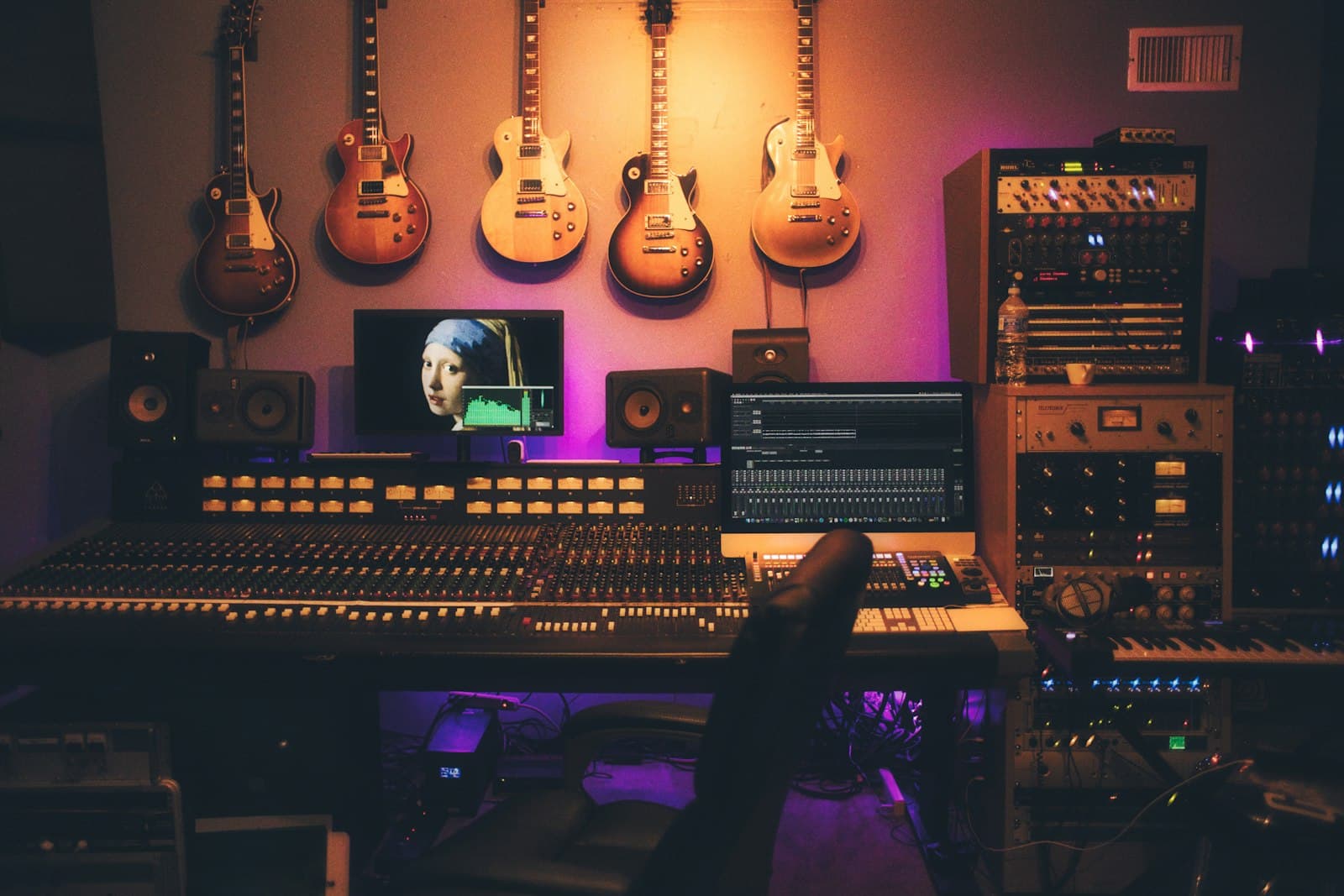
Photographs, a session, a cut. The apps already on the Mac open the files. Nothing is copied onto the disk first.
Locations

The project lives on the drive. You and the agent read the same files. The MacBook does not have to hold the whole thing.
Locations
A full Mac, a drawer of little drives, and one kind of thing: your own cloud drive.
1The macOS API that lets a cloud volume show up in Finder, Get Info, and the apps you already use.
2The files live off the laptop. The Mac fetches a file when an app opens it, and writes changes back.
3The Mac app for Air, Pro, Studio, and mini. One click, and the drive is in the sidebar.
4Seats, not a public download. The drive is on other people’s Macs, and the list is how the next seat opens.
5Large libraries, files held open by Photos, Premiere, and Logic, and an agent reading the same drive.
6A Developer ID signature, Apple notarisation, then a public Mac build. The list closes when that download is real.
7The same drive from the pocket. It waits until the Mac build is public.
8The private beta opens from the list.
The Mac app is private for now. Add Cove to your home screen and the beta stays a tap away.
Your cloud drive.Private beta for Mac.